


I cannot sign in
- Check your Internet connection and that the email is entered correctly.
- If the account is awaiting verification, use the latest code and check spam.
- If you forgot your password, request a reset. If using 2FA, check the authenticator’s time or use a recovery code.
- If you reached the PC limit, release the previous device under My account on the website.
A profile does not start
- Check plan and quota; after a downgrade, some retained profiles can be outside the limit.
- Check for a profile lock and unlock it using its password.
- Stop any previous run and wait for it to finish. Check disk space and engine availability.
- If you changed extensions or connection, try disabling only the recent change and restart.
Wrong IP or proxy down
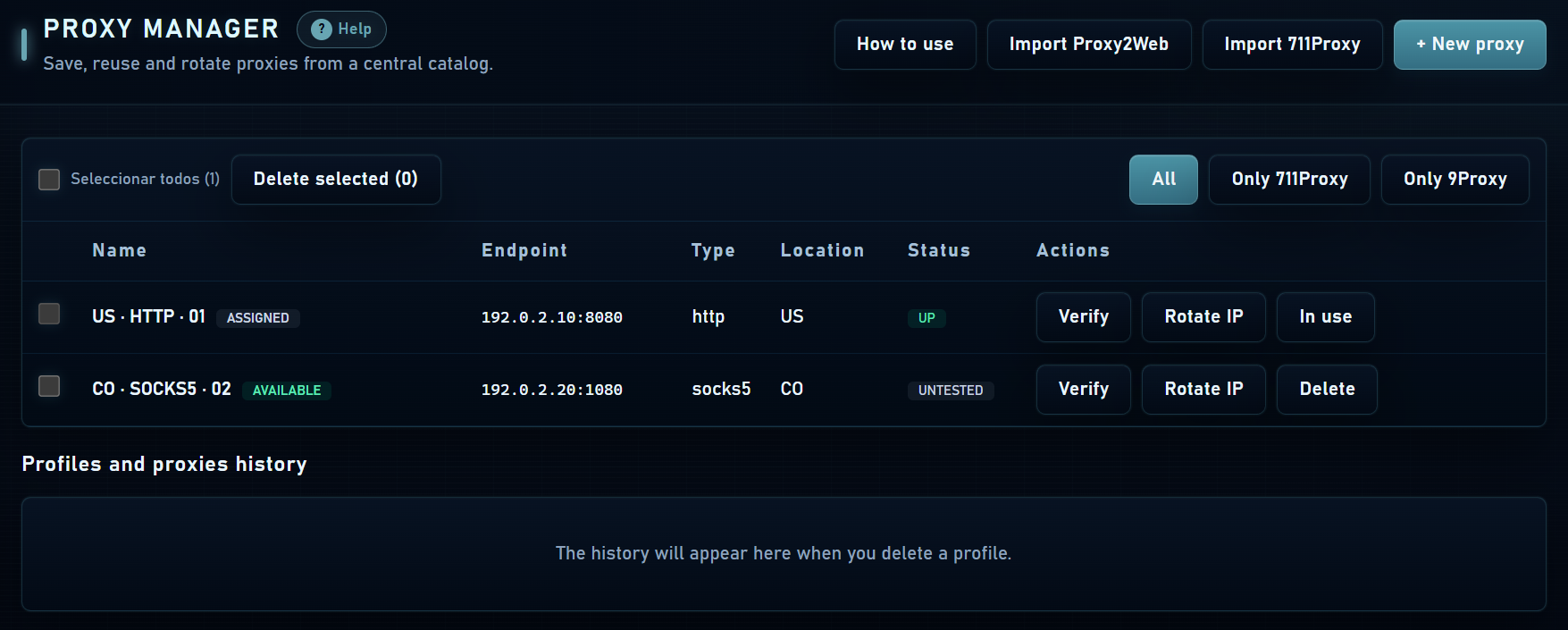
- Test the proxy from Mantis and check protocol, host, port and credentials.
- Check credit, expiry, filters and IP allowlist with the provider.
- For SSH, Tor or 9Proxy, confirm that the required service is running.
- For NordVPN, check the connection inside the extension and refresh the base session if expired.
- Verify the connection from the profile window. A country label does not replace this check.
Cookies or restoration without a session
For JSON and Netscape, check cookie domain, format and expiry. For name=value use the correct base URL. If Chromium rejects some cookies, review the result before importing again.
If a backup restored the profile but not website access, review cookie-key warnings and sign in again if needed. A website can revoke its tokens independently of the backup. Do not repeatedly replace a profile without backing up its current state first.
Slow performance and resource usage
- Open fewer profiles at once and reduce queue concurrency.
- Check RAM and CPU usage, free disk space and proxy latency.
- Compare with a profile without additional extensions to identify the cause.
- Do not confuse fingerprint-reported RAM with physical memory available on your PC.
What to send support
Include Mantis and Windows versions, the affected section, the exact message and steps to reproduce. For payments, add the order ID and transaction hash; for connections, specify proxy type and provider.