

Local profiles
Mantis stores the profile list and browser folders on your computer under your Windows user. Each profile has its own cookies, history and website data. The product’s data folder is .mantis-browser inside your user folder; use the option in Settings to open it.
The account server manages access, plans and authorized devices. Profiles are not automatically stored on that server and there is no automatic synchronization between PCs.
Switch accounts on the same Windows user
Signing out does not delete profile cookies or folders. To separate different people’s work on the same PC, use separate Windows users. Switching accounts does not replace a backup.
Keep and transfer your work
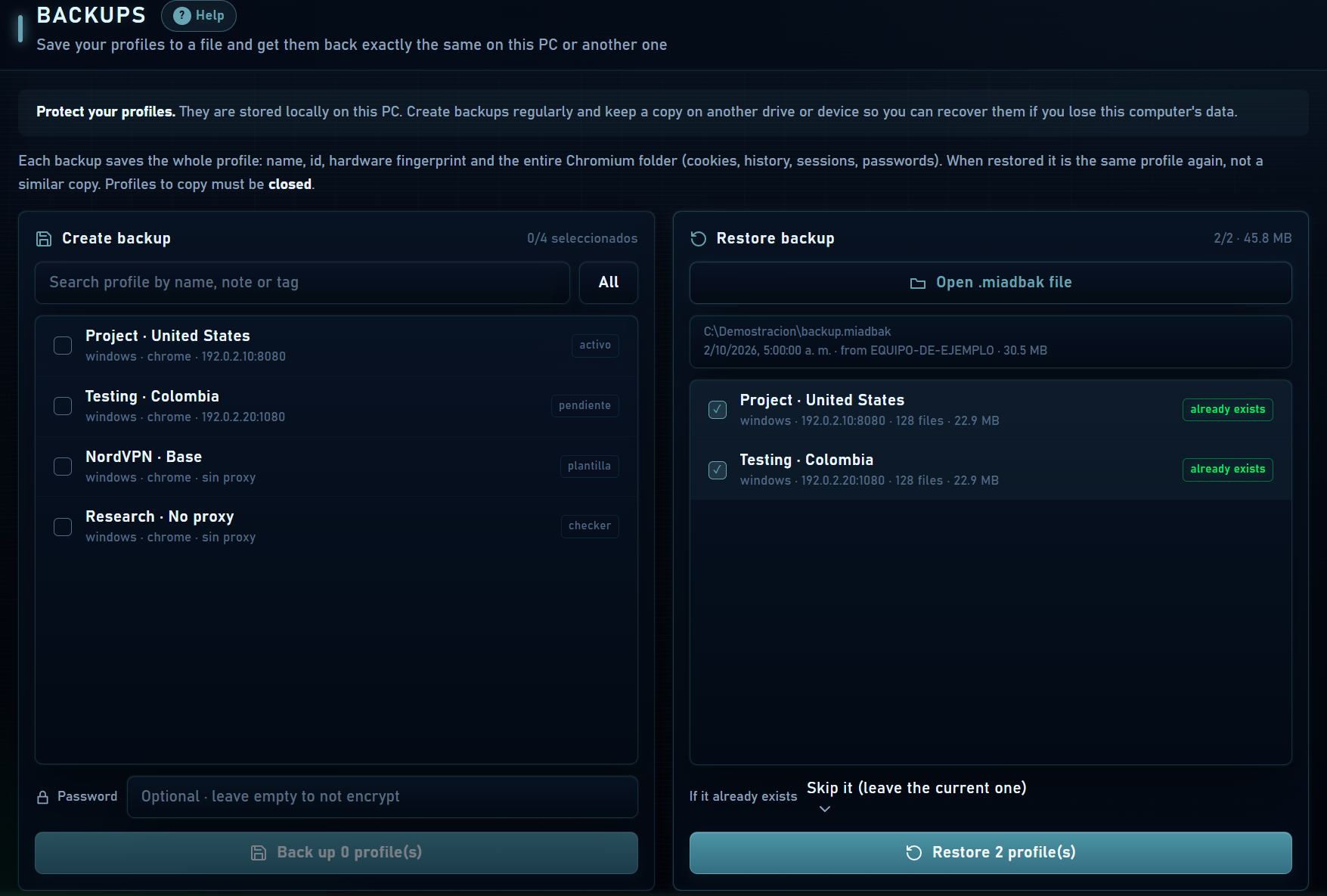
- Create backups under Backups when your plan allows it; keep another copy on a separate drive or device.
- To move configuration and cookies to another PC, use portable profile export when that option is available. It is not the same as a full browser-folder backup.
- Do not delete or manually edit the database or profile folders while the app or profiles are running.
- Trash is temporary: it keeps deleted profiles for 30 days and is not an external backup.