


Prepare your purchase
- In Pricing or Account, choose the plan and period you need.
- Check the email that will receive access, the total and whether this is a purchase, renewal or plan change.
- Select an available currency and network and create the order. Minimum amounts and exchange quotes can vary by currency.
- Keep the order ID and follow the instructions on the payment screen.
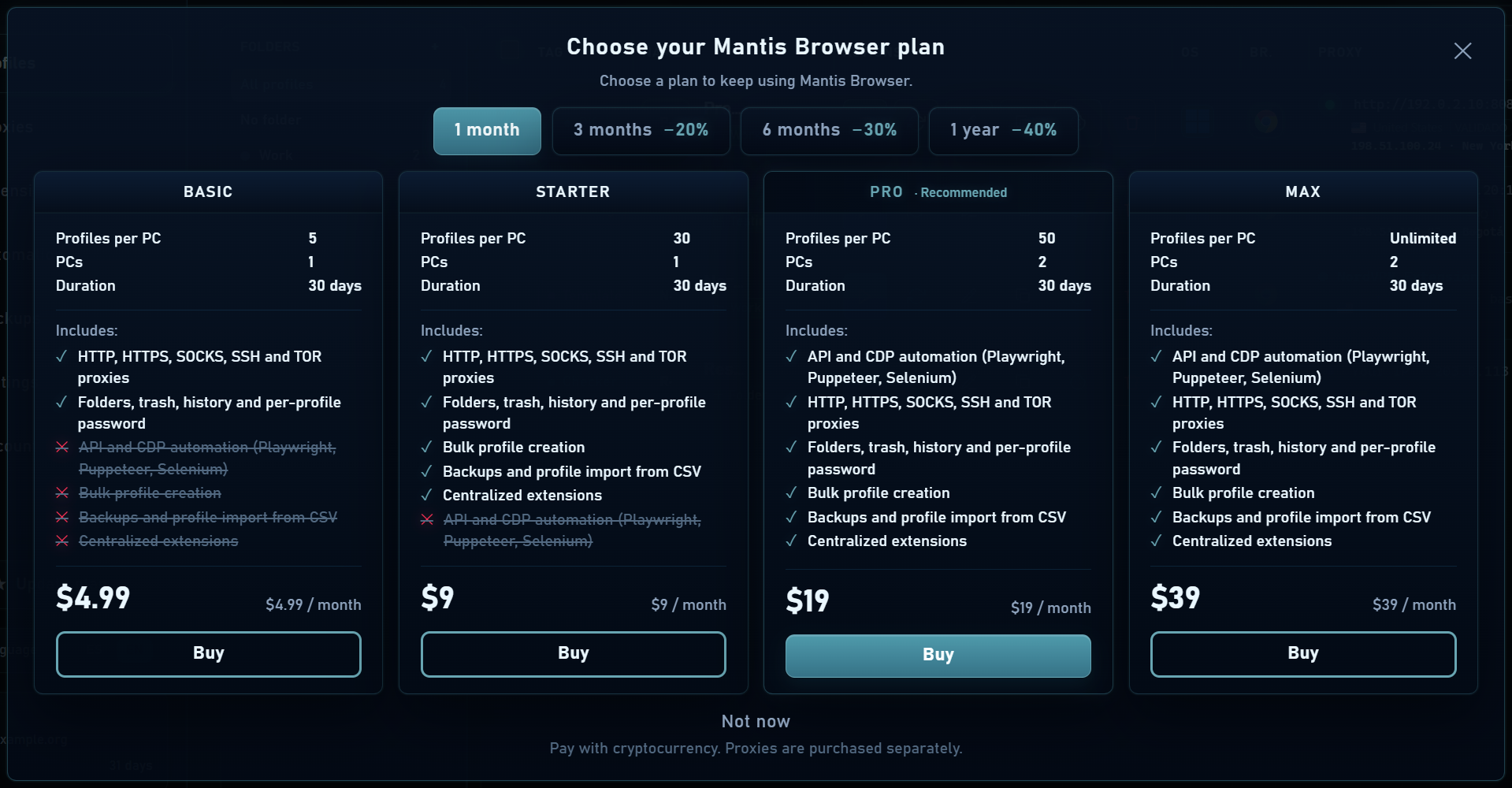
Send the correct amount
Send the cryptocurrency amount shown in the order to its address on the exact network specified. The plan price in USD and the cryptocurrency amount are different values. Include a memo or tag if requested.
Respect the time shown for starting payment. If you already sent funds, avoid immediately creating and paying another order; check the first order’s status using your transaction receipt.
Read the order status
| Situation | What to do |
|---|---|
| Awaiting payment | Verify address, network, amount and deadline before sending. |
| Confirming | Wait for network confirmations; their timing varies. |
| Plan active / paid | Check your plan and expiry in Account and sign in to the app. |
| Incomplete amount | Follow the instructions to complete any requested difference. Do not send to a new address without checking the order. |
| Under review or issue | Contact support with the order ID and transaction hash. |
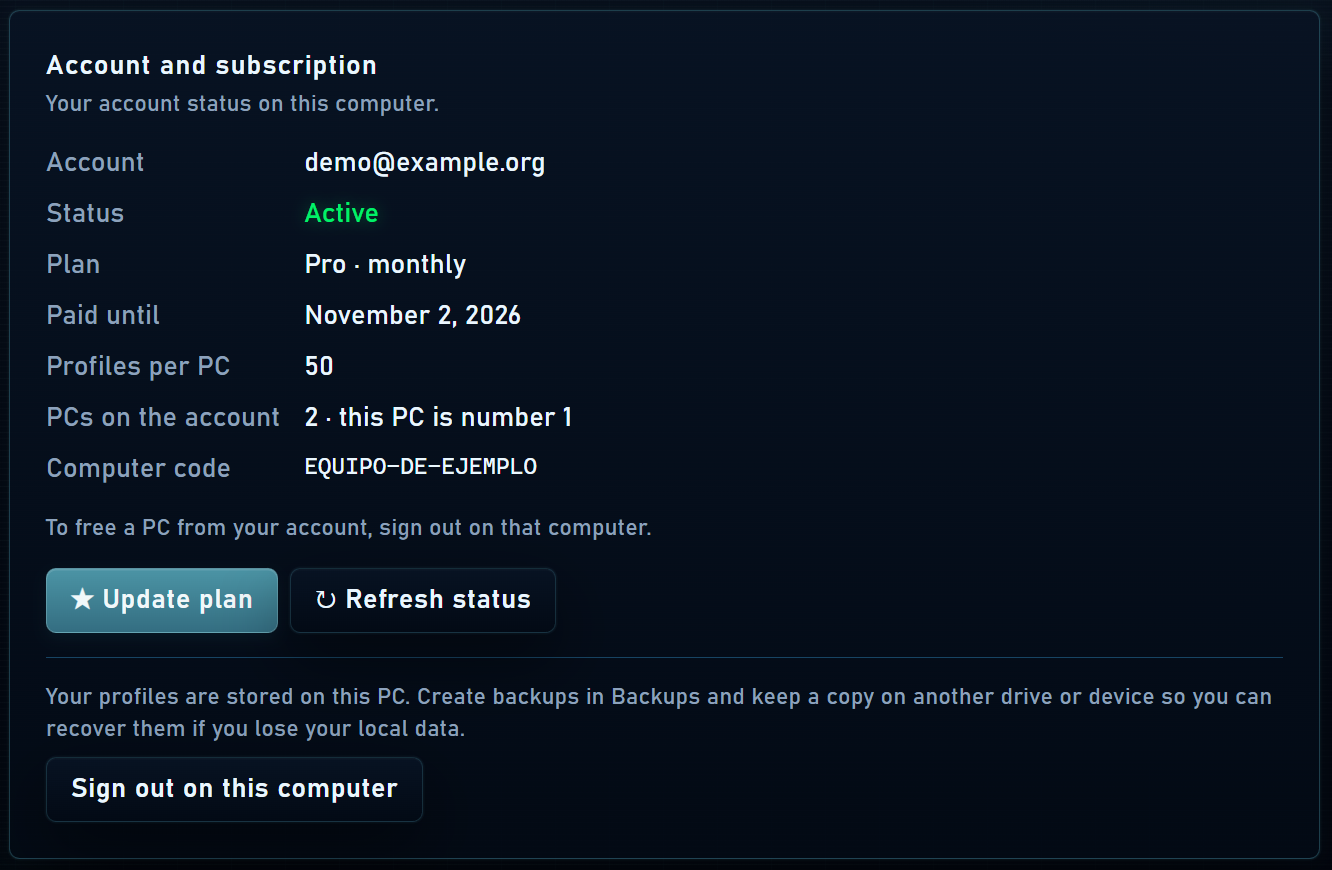
Activation email
When your purchase is credited, the email confirms plan activation. If your account does not yet have a password, it includes a time-limited link to set one. Check spam and keep the link private.
You can check activation under Account even if the email is delayed. Support can review your order if access or the amount needs attention; do not share passwords or verification codes.