


Prepare your environment
API and CDP automation is included in Pro and Max. Keep Mantis open and signed in on the same PC where you will run the script. First prepare and test a profile through the interface.
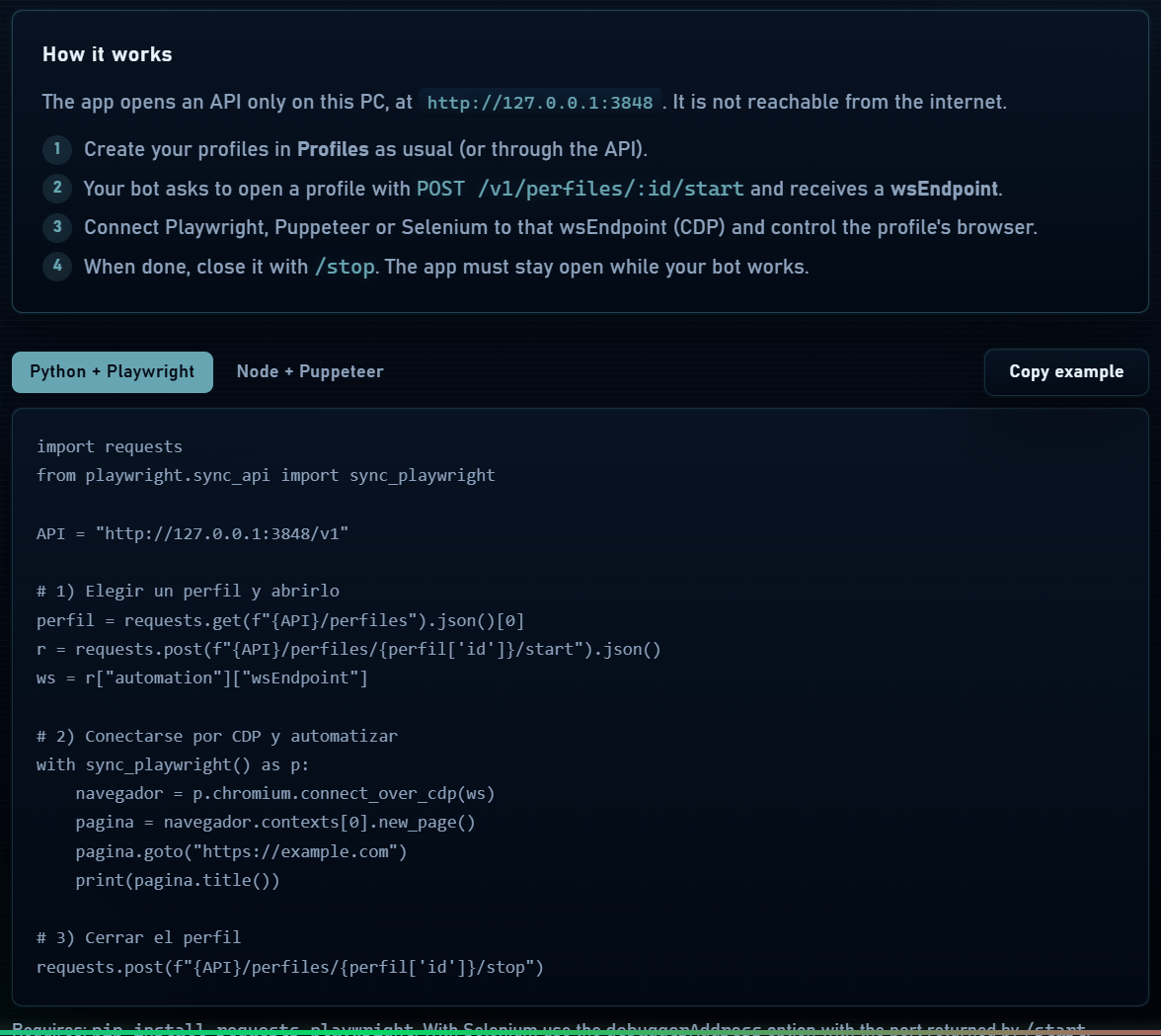
- Request GET /v1/perfiles and copy the id of the profile you intend to use. It is not its display name.
- Start it through POST /v1/perfiles/:id/start and use automation.wsEndpoint from the response.
- Connect Playwright or Puppeteer to the returned endpoint; reuse the profile context to preserve its cookies and settings.
- When finished, disconnect your tool and stop the profile if your task should close it.
Python with Playwright
Install dependencies in your environment with pip install requests playwright. This example connects to the Chromium launched by Mantis and stops the profile when finished; replace PROFILE_ID with your chosen id.
Python example
import requests
from playwright.sync_api import sync_playwright

API = "http://127.0.0.1:3848/v1"
PROFILE_ID = "REPLACE_WITH_PROFILE_ID"

def api(method, path):
    response = requests.request(method, API + path, timeout=120)
    response.raise_for_status()
    return response

started = api("POST", f"/perfiles/{PROFILE_ID}/start").json()
try:
    with sync_playwright() as p:
        browser = p.chromium.connect_over_cdp(
            started["automation"]["wsEndpoint"]
        )
        context = browser.contexts[0]
        page = context.new_page()
        page.goto("https://example.com")
        print(page.title())
        page.close()
finally:
api("POST", f"/perfiles/{PROFILE_ID}/stop")Node.js with Puppeteer
Install puppeteer-core in your project and save this example as an .mjs file. Use a Node version with fetch available. Calling disconnect closes the automation connection; /stop closes the profile.
Node.js example
import puppeteer from "puppeteer-core";

const API = "http://127.0.0.1:3848/v1";
const PROFILE_ID = "REPLACE_WITH_PROFILE_ID";
async function api(path, method = "GET") {
  const response = await fetch(API + path, { method });
  if (!response.ok) {
    throw new Error(response.status + ": " + await response.text());
  }
  return response;
}

const started = await (await api(
  "/perfiles/" + PROFILE_ID + "/start", "POST"
)).json();
let browser;
try {
  browser = await puppeteer.connect({
    browserWSEndpoint: started.automation.wsEndpoint,
    defaultViewport: null,
  });
  const page = await browser.newPage();
  await page.goto("https://example.com");
  console.log(await page.title());
  await page.close();
} finally {
  if (browser) await browser.disconnect();
  await api("/perfiles/" + PROFILE_ID + "/stop", "POST");
}Working with multiple sessions
- Explicitly assign a profile to each task and avoid two scripts controlling the same context simultaneously.
- Limit concurrency according to RAM, CPU and connection. Each started profile is a real browser.
- Keep fingerprint settings in Mantis; avoid overriding them in the script if you want to preserve the profile identity.
- For Selenium or other tools, you need a Chromium/CDP-compatible integration. It does not automatically replace every existing WebDriver configuration.