


Interface preferences
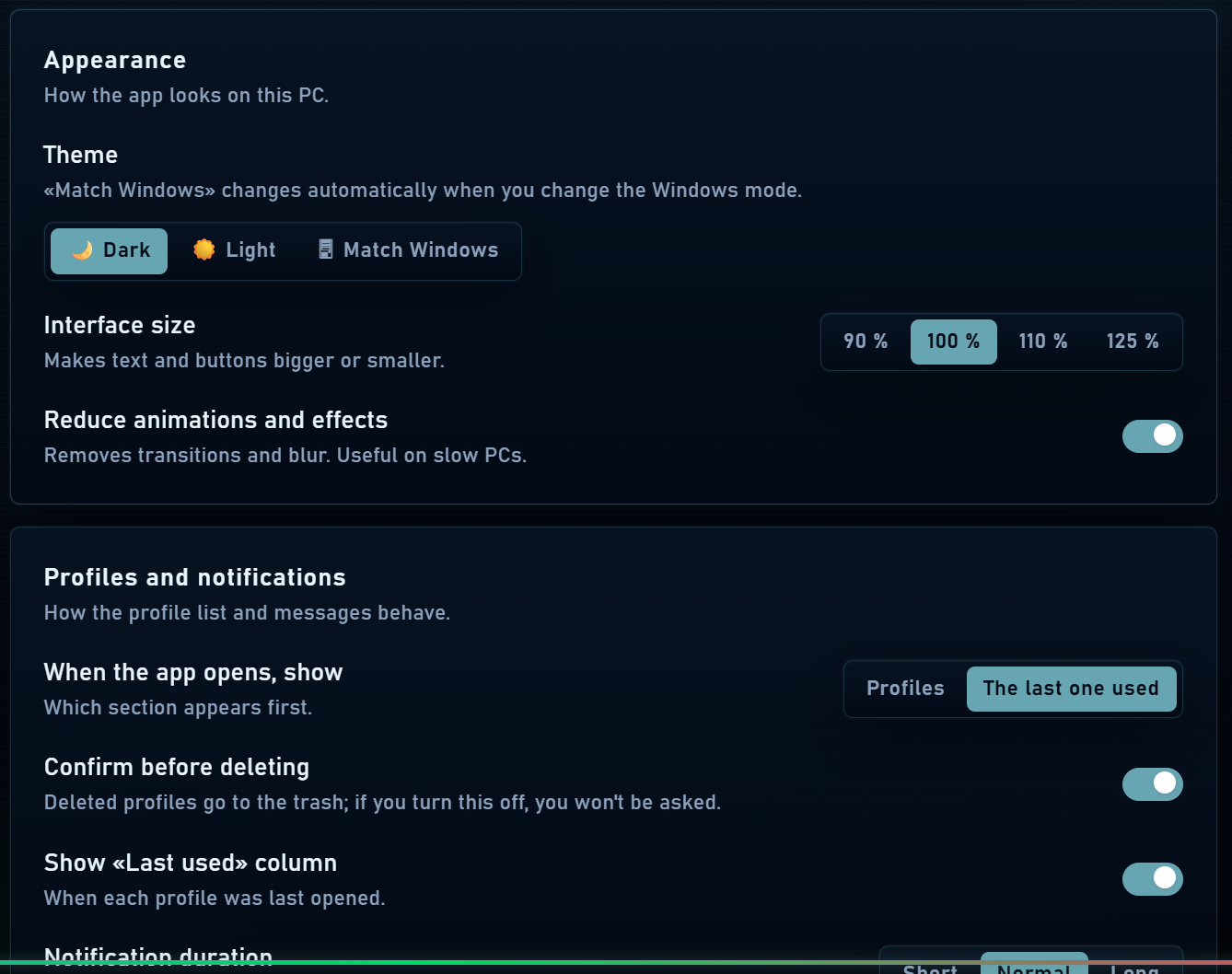
- Select Spanish or English from the language selector.
- Choose dark, light or system theme and adjust interface scale for your screen.
- Configure the opening section, deletion confirmations and interface notifications.
- Enable reduced motion if you prefer less animation. Preferences and panel widths are saved locally.
Application lock
The interface lock can require a password when returning to Mantis after locking it or reaching the configured inactivity period. It protects access to the interface.
Password and two-step verification
Your account password protects access to the service. Manage two-step verification through your account’s security options when available: prepare your authenticator app, confirm the code and keep recovery codes.
Remember that account passwords, profile locks, app locks, proxy credentials and portable export passwords serve different purposes. Changing one does not automatically change the others.
Engine, data and updates
- Check app and engine versions in Settings to compare with documentation or report an issue.
- Use the update check and follow its instructions if a published update is available.
- Before major changes, create a profile backup. Do not delete the data folder to resolve a visual issue.
- If you need to reset interface preferences, use the corresponding option and distinguish that action from deleting profiles.