


Delete and restore
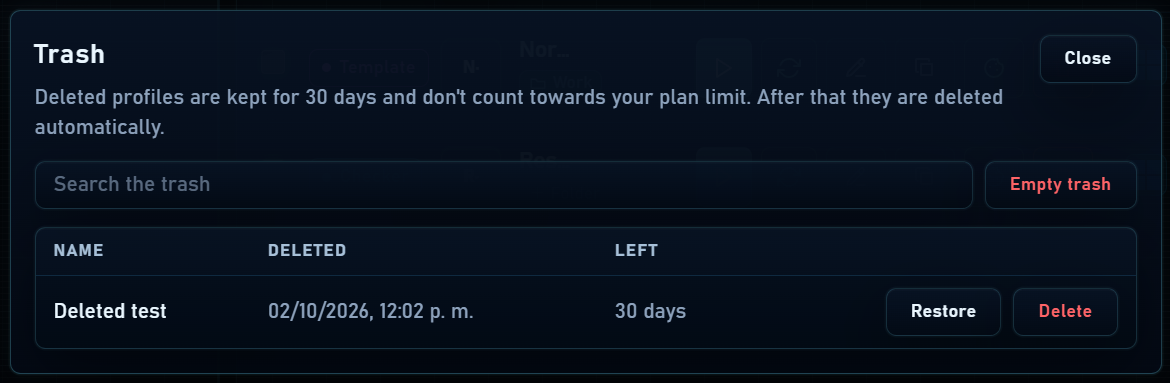
Deleting a profile sends it to Trash. It no longer uses an active quota slot, but its data is kept temporarily. Open Trash to review its contents and restore profiles you need.
- Find the profile in Trash and check its name and date.
- Make sure you have enough quota to restore it.
- Click Restore and check that it returns to the Profiles list.
Action history
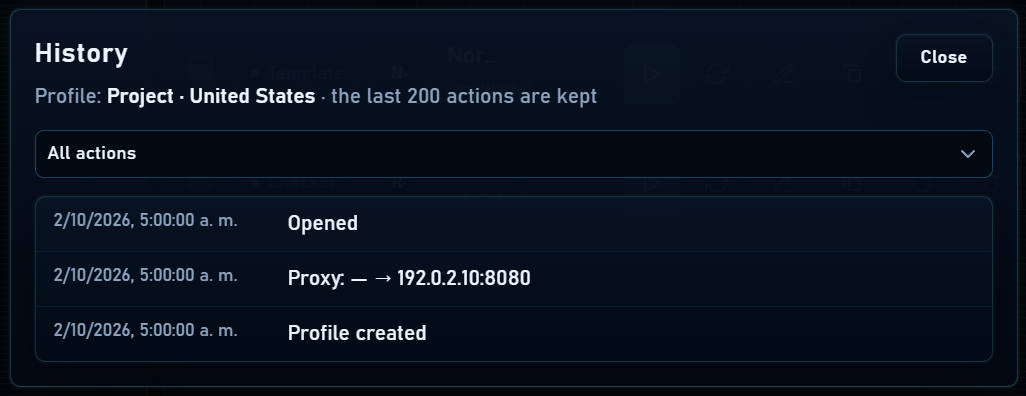
The clock icon shows events recorded by Mantis for the profile, such as creation, start, stop, changes or imports. It helps you review when actions took place.
This log is not Chromium’s visited-page history. To inspect visited pages, use history inside the profile window if history saving is enabled.
Per-profile password
- Enable “Protect profile with a password” when creating or editing a profile, or use its lock icon.
- Unlock it when the app requests the password for a protected action.
- Manage or remove the lock through its options when no longer needed.
If you forget it, click “Forgot password” and sign in with the account that set the lock. You will receive a six-digit code valid for 15 minutes to choose another profile password. Older locks require setting their password again to enable recovery.