


Address and permissions
The base is http://127.0.0.1:3848/v1. The server listens only on 127.0.0.1: it serves programs on the same PC. The app must be open. /health checks availability; other operations require an API-enabled plan (Pro or Max).
Send JSON with Content-Type: application/json for requests with a body. Field names and routes remain in Spanish in both languages. Requests from web pages with an Origin header are rejected by default; run integrations as local programs.
Invoke-RestMethod 'http://127.0.0.1:3848/v1/health'
Invoke-RestMethod 'http://127.0.0.1:3848/v1/perfiles' | Select-Object id,nombre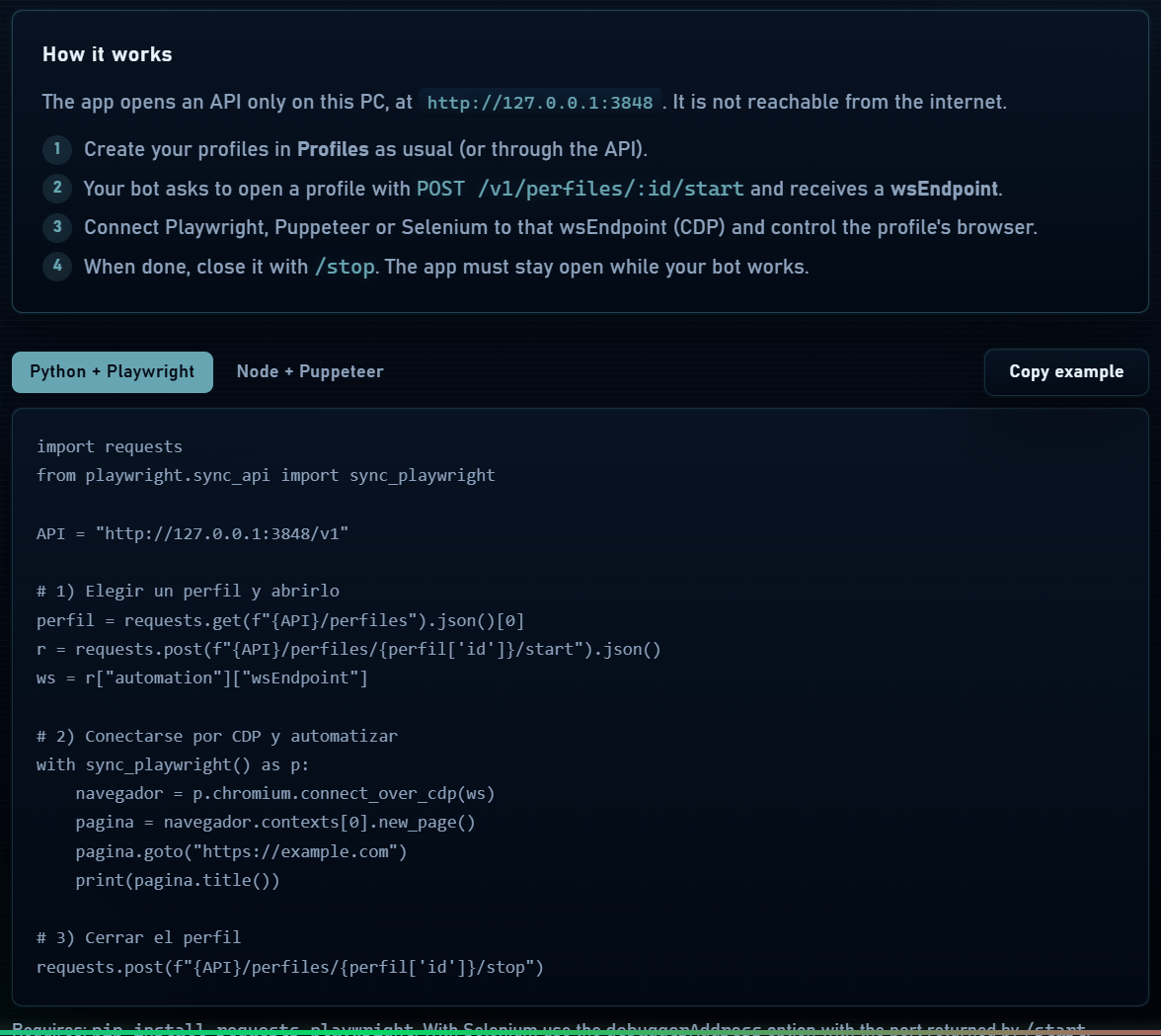
Profile routes
| Method | Route | Result |
|---|---|---|
| GET | /v1/health | ok and version; does not require an API plan. |
| GET | /v1/perfiles | Array of profiles. |
| GET | /v1/perfiles/activos | Array of active ids. |
| GET | /v1/perfiles/:id | Profile data. |
| POST | /v1/perfiles | Creates a profile; returns 201. |
| POST | /v1/perfiles/bulk | Creates a batch; returns 201 with {creados}. |
| PATCH | /v1/perfiles/:id | Updates profile fields. |
| DELETE | /v1/perfiles/:id | Moves to Trash; returns 204. |
| POST | /v1/perfiles/:id/start | Starts a profile or returns the connection for an already active profile. |
| POST | /v1/perfiles/:id/stop | Stops the profile; returns {ok: true}. |
Request bodies
| Operation | Fields |
|---|---|
| Create profile | nombre, plataforma (windows/macos/linux), userAgent and fingerprint. The basic fingerprint requires webRTC, canvas, webGL, timezone and idioma. |
| Proxy connection | proxy: {type, host, port, username?, password?}. Do not combine with nordVpnExtension. |
| Create batch | cantidad, presetId, optional prefijo and proxies as an object array or text. |
| Start profile | Optional body: iniciarMinimizado, minimizado and extraArgs (array of strings). Use only if your integration needs them. |
{
  "automation": {
    "port": 12345,
    "wsEndpoint": "ws://127.0.0.1:12345/devtools/browser/RETURNED_VALUE"
  }
}
These response values are illustrative: always use the values returned by your app. Retrieve a profile prepared in the interface to inspect its advanced fields; avoid copying id, dates or local paths when creating another.
Fingerprint presets
| Method | Route | Action |
|---|---|---|
| GET | /v1/presets | Lists presets. |
| GET | /v1/presets/:id | Gets one preset. |
| POST | /v1/presets | Creates a preset with a name, platform and fingerprint configuration. |
| PATCH | /v1/presets/:id | Updates the preset. |
| DELETE | /v1/presets/:id | Deletes the preset; returns 204. |
A preset provides a base configuration for creating profiles; editing it does not automatically change existing profiles.
Error responses
{ "error": { "code": "NO_ENCONTRADO", "mensaje": "Perfil no encontrado" } }| HTTP | Meaning |
|---|---|
| 400 | Invalid data or a batch that cannot be created. Check error.code and error.mensaje. |
| 403 | Plan, quota, session or access not permitted. An available /health does not prove automation permission. |
| 404 | Profile or preset not found; check the id. |
| 409 | State conflict; for example NO_ACTIVO when stopping an already closed profile. |
To preserve diagnostics, keep the HTTP status and response body when logging an error. A 204 response contains no JSON: do not try to parse it as an object.