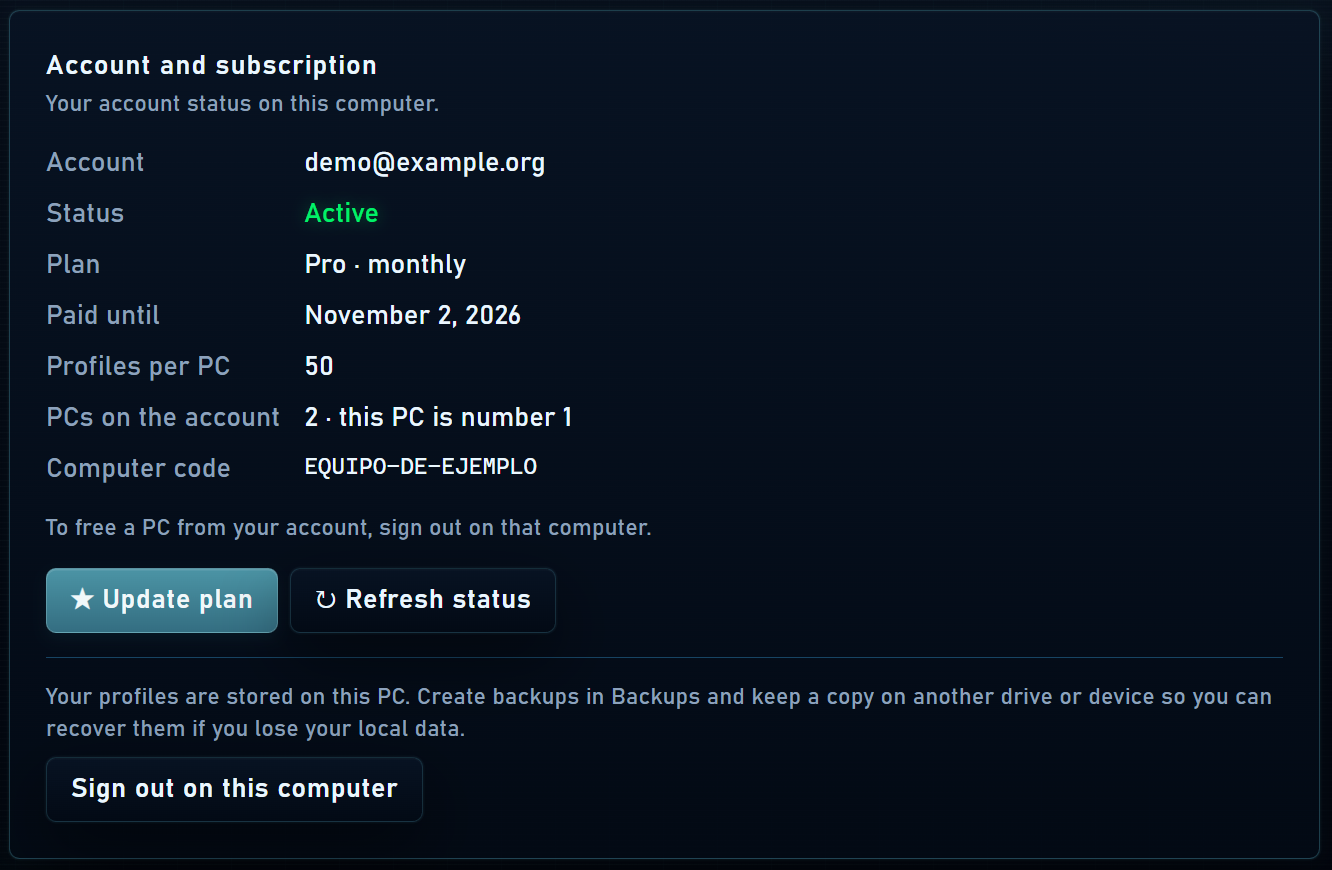


Registration and sign-in
You can create a free account in the app or under My account on the website. Use an email you can access for verification and password recovery. The same account works on the website and in Mantis Browser.
If you purchased before setting a password, use the activation link in your purchase email. If you already had a password, use your existing login. If you forgot your password, request a reset from the sign-in screen.
What each plan includes
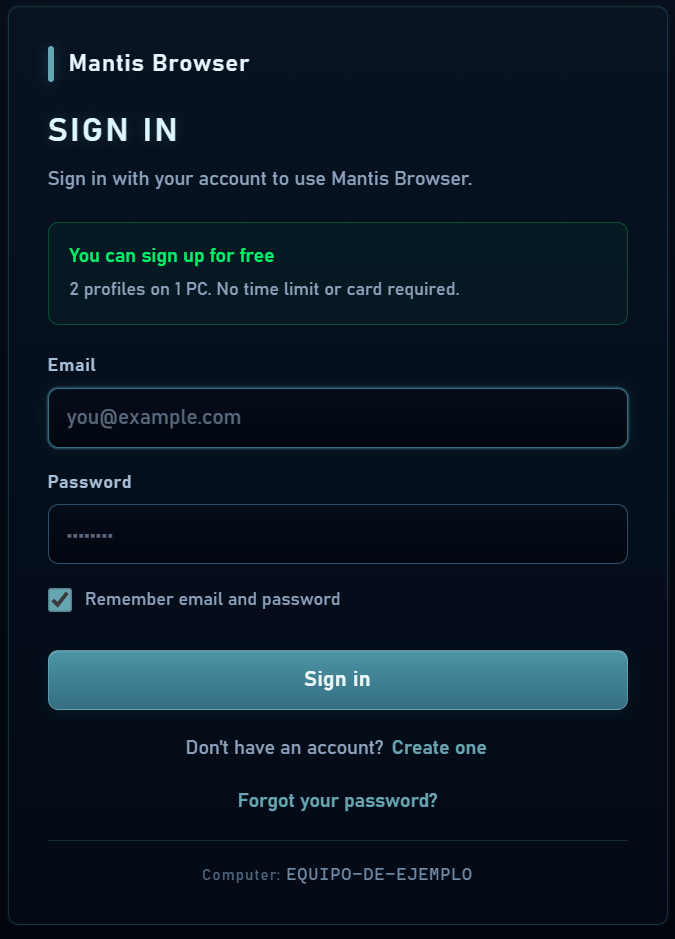
This table is generated from the catalog used by the program. Profile limits apply per PC; the device limit indicates how many PCs your account allows. Proxies and third-party subscriptions are purchased separately.
| Feature | Free | Basic | Starter | Pro | Max |
|---|---|---|---|---|---|
| Monthly price | Free | $4.99 | $9.00 | $19.00 | $39.00 |
| Profiles per PC | 2 | 5 | 30 | 50 | Unlimited |
| PCs | 1 | 1 | 1 | 2 | 2 |
| API and CDP automation (Playwright, Puppeteer, Selenium) | —Not included | —Not included | —Not included | Yes | Yes |
| HTTP, HTTPS, SOCKS, SSH and TOR proxies | Yes | Yes | Yes | Yes | Yes |
| Folders, trash, history and per-profile password | Yes | Yes | Yes | Yes | Yes |
| Bulk profile creation | —Not included | —Not included | Yes | Yes | Yes |
| Backups and profile import from CSV | —Not included | —Not included | Yes | Yes | Yes |
| Centralized extensions | —Not included | —Not included | Yes | Yes | Yes |
View full pricing and billing periods →
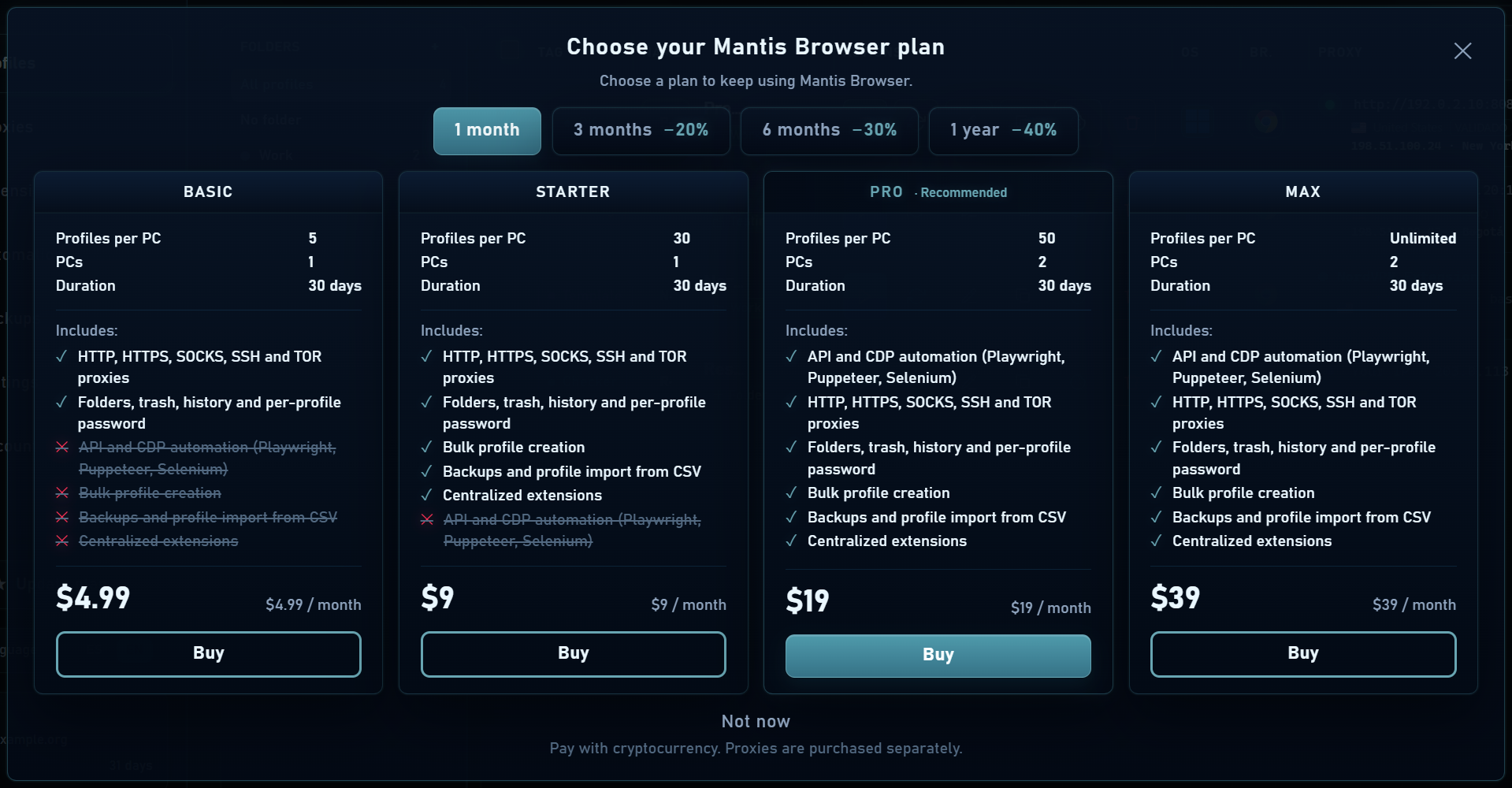
Renewing, upgrading or downgrading
- Renewing an active subscription preserves your remaining paid time.
- An upgrade can charge the prorated difference for your remaining days while keeping the current period’s expiry. Always review the summary before paying.
- A scheduled downgrade starts when the current period ends; the account screen shows the pending change.
- When your subscription ends, the free quota applies. Existing profiles are retained, but profiles outside the quota cannot start until you free capacity or upgrade.
Release a device
- Check linked devices under My account on the website.
- Release a PC you no longer use, especially if you cannot open the app there.
- Sign in on the new PC and restore your profiles from a backup if you want to transfer them.